
Creating a home office that is both cozy and productive can transform the way you work from home. Whether you’re freelancing, running a business, or working remotely, the right environment can improve focus, creativity, and overall well-being. In this guide, we’ll explore practical tips to help you design a workspace that feels inviting while boosting your productivity.
Choose the Right Location
Consider Natural Light
Position your desk near a window if possible. Natural light improves mood and reduces eye strain. However, avoid glare on your computer screen by using adjustable blinds or curtains.
Minimise Distractions
Pick a quiet area away from household noise. If that’s not possible, noise-cancelling headphones or a white noise machine can create a more focused atmosphere.
Invest in Comfortable Furniture
Ergonomic Chair and Desk
An ergonomic chair supports your posture and reduces fatigue during long work hours. Your desk should have enough space for your equipment without feeling cluttered.
Adjustable Options
Consider a height-adjustable desk to alternate between sitting and standing, which can enhance comfort and health.
Personalise Your Space
Add Warm Textiles
Throw blankets, cushions, or a soft rug can make the space feel warm and inviting without compromising professionalism.
Inspiring Decor
Choose wall art, plants, or personal items that motivate you. Greenery, in particular, has been shown to increase concentration and reduce stress.
Keep It Organised
Use Storage Solutions
Desk organizers, shelves, and filing cabinets help keep documents and tools neat, reducing distractions.
Declutter Regularly
A clean workspace promotes clear thinking. Take a few minutes daily to tidy your desk and organise cables.
Optimise Lighting
Layered Lighting
Combine natural light with overhead lighting and task lamps. Adjustable lighting reduces eye strain and creates a comfortable atmosphere.
Warm Light Sources
Use warm-toned bulbs rather than harsh white light to create a cozy ambiance.
Manage Technology Efficiently
Reliable Internet and Tools
Ensure you have a strong internet connection and efficient devices to minimise interruptions.
Cable Management
Use clips or sleeves to keep cables tidy and prevent a tangled mess.
Establish a Routine and Boundaries
Define Work Hours
Set clear work times to separate work from leisure, helping you maintain balance.
Create Visual Boundaries
Use room dividers or different decor to separate your office area from living spaces, supporting mental separation between work and home.
Incorporate Break Spots
Comfortable Seating Area
If space allows, add a small seating nook for breaks. This change of scenery can refresh your mind.
Hydration and Snacks
Keep a water bottle and healthy snacks nearby to stay energised without disrupting work flow.
—
Creating a cozy and productive home office is all about balance. Combining comfort and organisation, along with thoughtful design choices, can enhance your work experience dramatically. Try these tips to tailor your space and enjoy your work-from-home routine!
Related Posts
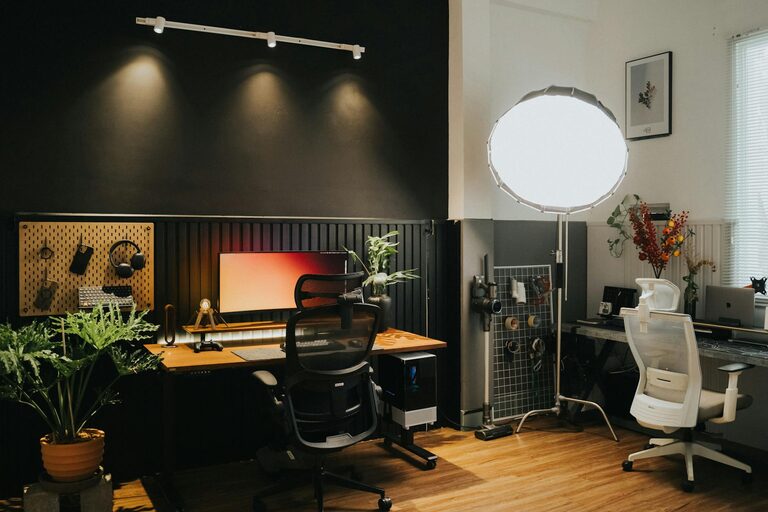
Tips for Creating a Cozy and Inviting Home Office Space on Any Budget
Creating a cozy and inviting home office space is essential…
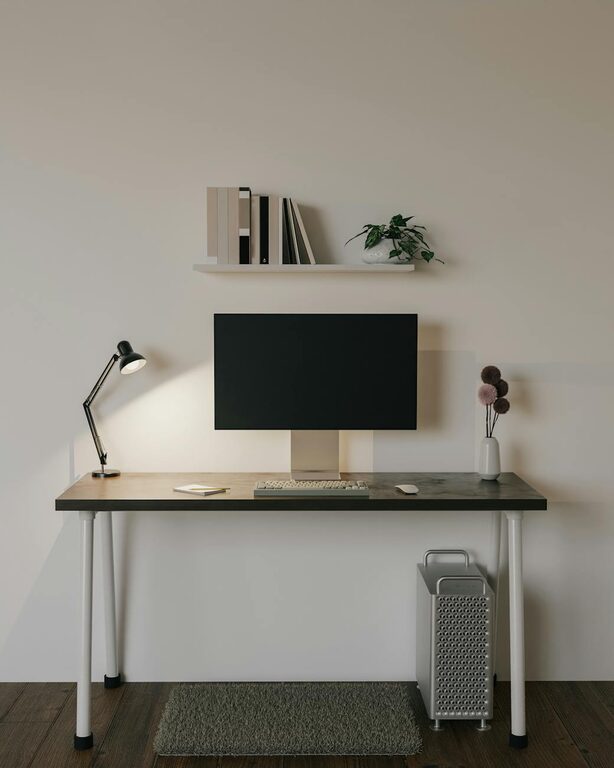
Tips for Creating an Efficient and Comfortable Home Office Setup
Creating an efficient and comfortable home office setup is essential…
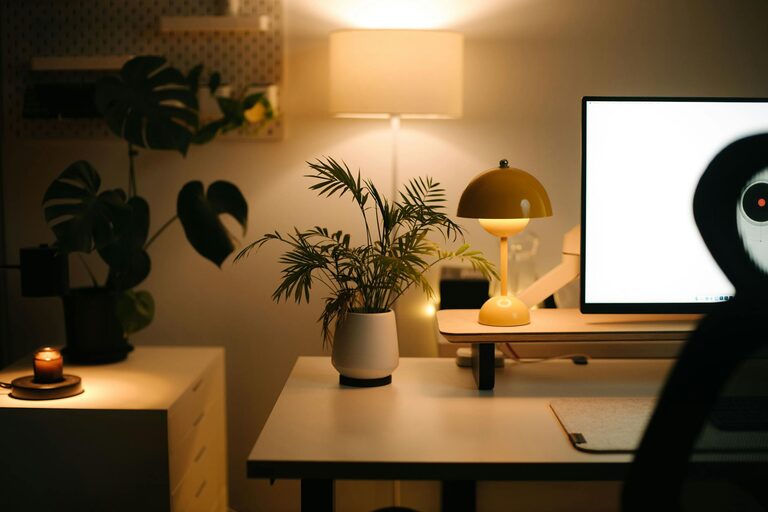
Tips for Creating a Cozy and Productive Home Office Environment
Working from home has become increasingly common, and having a…